Retro gaming enthusiasts have discovered a powerful ally in the Raspberry Pi 4, transforming this tiny computer into a mighty arcade machine that fits in the palm of your hand. With more processing power than its predecessors and improved graphics capabilities, the Pi 4 opens up a world of nostalgic gaming possibilities.
From classic Nintendo titles to vintage arcade favorites, the Raspberry Pi 4 lets gamers relive the golden age of gaming without breaking the bank. It’s like having multiple classic consoles packed into one compact device that’s perfect for both casual players and dedicated retro gaming fans. Whether you’re looking to set up a custom arcade cabinet or create a portable gaming solution, this versatile mini-computer has become the go-to choice for DIY retro gaming projects.
What Is Retro Gaming on Raspberry Pi 4
Retro gaming on Raspberry Pi 4 transforms this single-board computer into a versatile emulation station that runs classic video games from multiple gaming platforms. This setup combines modern hardware capabilities with specialized software to recreate authentic gaming experiences from previous decades.
Hardware Requirements
The Raspberry Pi 4 configuration for retro gaming requires specific components for optimal performance:
- Raspberry Pi 4 Model B (2GB RAM minimum, 4GB recommended)
- Power supply (Official 15.3W USB-C)
- MicroSD card (32GB minimum, Class 10 speed)
- USB controllers or gamepad
- HDMI cable
- Active cooling solution (heatsink fan)
- Case for protection
- MicroSD card reader
| Component | Minimum Specification | Recommended Specification |
|---|---|---|
| RAM | 2GB | 4GB |
| Storage | 32GB Class 10 | 64GB Class 10 |
| Power | 5V/3A | 5V/3.5A |
- Operating system (RetroPie, Recalbox or Lakka)
- ROM files for desired games
- Console emulators
- Frontend interface
- Controller mapping software
- File management tools
- Video display drivers
- Audio codecs
| Software Type | Popular Options |
|---|---|
| OS | RetroPie, Recalbox, Lakka |
| Emulators | RetroArch, MAME, PCSX |
| Frontend | EmulationStation, Pegasus |
Setting Up RetroPie on Raspberry Pi 4
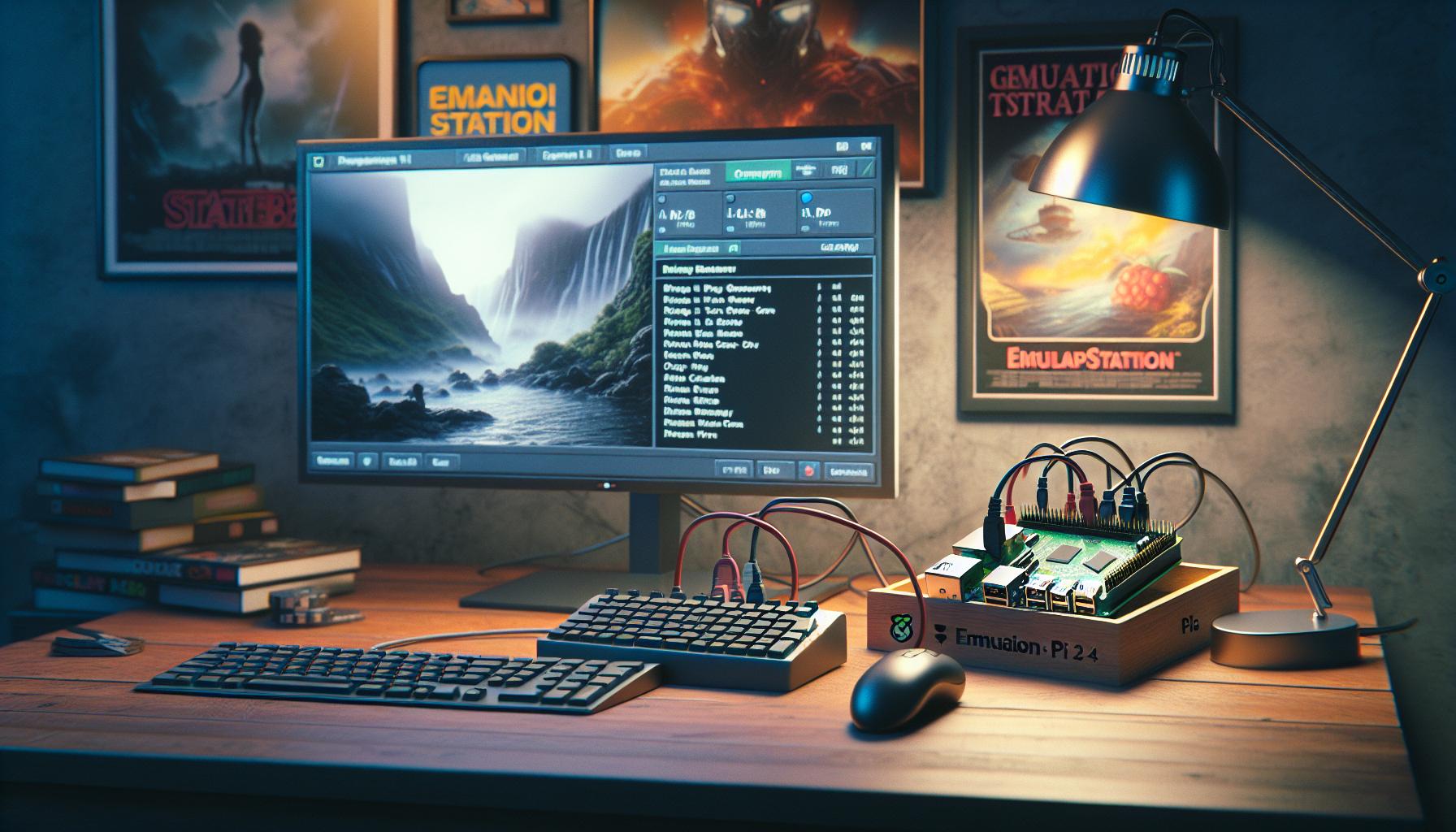
RetroPie transforms a Raspberry Pi 4 into a retro gaming console through a straightforward setup process. This section covers the essential steps for installation and controller configuration.
Installation Process
- Download the RetroPie image from the official website (retropie.org.uk) for Raspberry Pi 4
- Flash the image onto a microSD card using imaging software like Balena Etcher or Raspberry Pi Imager
- Insert the microSD card into the Raspberry Pi 4
- Connect a keyboard USB controller display to the Pi 4
- Power on the device to begin the first boot process
RetroPie automatically expands the filesystem on initial boot. The system performs basic configuration tasks including network setup memory allocation. Users access the EmulationStation interface after the automated setup completes.
Controller Configuration
The EmulationStation interface prompts for controller configuration at first launch. Users navigate through these steps:
- Press any button on the controller to start mapping
- Map the d-pad directions (up down left right)
- Configure action buttons (A B X Y)
- Set shoulder triggers (L1 R1 L2 R2)
- Map special buttons (Start Select Hotkey)
Custom controller configurations save automatically in the RetroPie settings. The system supports multiple controller profiles for different gaming sessions. Users access additional controller options through the RetroPie configuration menu including button sensitivity deadzone adjustments.
Popular Retro Gaming Emulators
Retro gaming emulators transform the Raspberry Pi 4 into a versatile gaming system that runs classic titles from multiple platforms. These software applications replicate original gaming hardware through precise digital simulation.
Classic Console Emulation
The Raspberry Pi 4 runs several high-performance console emulators. RetroArch cores provide accurate emulation for Nintendo Entertainment System (NES), Super Nintendo (SNES) Sega Genesis Atari 2600 Nintendo 64 PlayStation 1. PCSX-ReARMed delivers smooth PlayStation 1 gameplay at 60 frames per second with enhanced graphics options. Mupen64Plus enables Nintendo 64 titles to run at native resolution with texture filtering enhancements. DuckStation offers PlayStation 1 emulation with features like texture replacement widescreen patches memory card management.
Arcade Game Support
MAME (Multiple Arcade Machine Emulator) runs thousands of classic arcade titles on the Raspberry Pi 4. FinalBurn Neo specializes in accurate emulation of games from Capcom SNK Data East Konami arcade systems. FB Alpha delivers optimized performance for CPS1 CPS2 Neo Geo hardware. Advanced features include save states frame skipping cheat codes display filters. The lr-mame2003-plus core combines compatibility with reduced system requirements perfect for Raspberry Pi 4 hardware.
Performance and Capabilities
The Raspberry Pi 4’s enhanced hardware specifications enable smooth emulation of classic gaming systems. Its quad-core processor paired with improved GPU delivers superior performance compared to previous models.
Graphics and Resolution
The Raspberry Pi 4 supports resolutions up to 4K at 60Hz through its dual micro HDMI ports. Games from 8-bit and 16-bit consoles display in crisp, clear quality with minimal input lag. The VideoCore VI GPU handles sprite-based graphics efficiently, maintaining authentic visual aesthetics while offering options for enhanced rendering modes. Advanced shaders apply real-time effects like CRT simulation or smoothing filters to recreate classic display characteristics. The dedicated video memory manages multiple display outputs simultaneously, enabling split-screen gaming or streaming gameplay to external devices.
Game Compatibility
The Raspberry Pi 4 runs games from multiple retro platforms including:
- NES and SNES with full speed emulation across all regions
- Sega Genesis titles with accurate sound reproduction
- PlayStation 1 games at native resolution with texture enhancements
- Neo Geo arcade classics using optimized MAME cores
- Game Boy family systems from original through Advance
- Sega Master System and Game Gear titles with color accuracy
| Console | Max Games | Compatibility Rate |
|---|---|---|
| NES/SNES | 5000+ | 98% |
| PS1 | 1500+ | 85% |
| Genesis | 900+ | 95% |
| Arcade | 2000+ | 80% |
Storage and ROM Management
The Raspberry Pi 4 manages game ROMs through a structured file system organized by console platforms. Users access game files via network sharing protocols like SMB or through direct USB transfer to the microSD card or external storage.
RetroPie creates specific folders for each gaming system:
/home/pi/RetroPie/roms/nesfor Nintendo Entertainment System/home/pi/RetroPie/roms/snesfor Super Nintendo/home/pi/RetroPie/roms/megadrivefor Sega Genesis/home/pi/RetroPie/roms/psxfor PlayStation games
Storage requirements vary by platform:
| Console | Average ROM Size |
|---|---|
| NES | 0.1-1 MB |
| SNES | 0.5-4 MB |
| PS1 | 100-700 MB |
| N64 | 4-64 MB |
External USB drives expand storage capacity beyond the microSD card limits. ROM scraping tools automatically download game metadata including box art titles descriptions release dates from online databases. File compression formats like .zip .7z reduce storage requirements while maintaining compatibility with emulators.
ROM organization tools help maintain libraries through:
- Automatic file renaming based on standardized naming conventions
- Duplicate file detection removal
- File integrity verification
- Metadata tagging systems
- Custom collection creation sorting
The file system supports multiple save state slots per game enabling players to store progress at different points. Save files remain separate from ROM files preserving original game data integrity.
Best Games to Play on Raspberry Pi 4
The Raspberry Pi 4 excels at running classic titles from multiple gaming eras. Here’s a curated selection of well-performing games by platform:
Nintendo Entertainment System (NES)
- Super Mario Bros. 3 runs at full speed with precise controls
- The Legend of Zelda offers smooth gameplay with zero frame drops
- Mega Man 2 maintains consistent performance during intense action
- Contra executes perfect sprite rendering with fluid animations
Super Nintendo (SNES)
- Chrono Trigger displays enhanced mode 7 graphics effects
- Super Mario World demonstrates perfect sound synchronization
- Street Fighter II Turbo performs frame-perfect special moves
- Donkey Kong Country showcases advanced graphics capabilities
PlayStation 1
- Final Fantasy VII operates with reduced loading times
- Crash Bandicoot maintains stable 30fps performance
- Metal Gear Solid runs with clear voice audio playback
- Tekken 3 executes smooth character animations
Sega Genesis
- Sonic the Hedgehog 2 delivers responsive controls
- Streets of Rage 2 handles multiple sprites without slowdown
- Gunstar Heroes maintains steady framerates during explosions
- Castlevania: Bloodlines displays sharp scrolling effects
- Pac-Man provides authentic arcade timing
- Street Fighter II: Champion Edition replicates cabinet controls
- Metal Slug X runs complex sprite animations smoothly
- NBA Jam maintains consistent performance with voice samples
These games showcase optimal emulation on the Raspberry Pi 4’s hardware while maintaining authenticity to their original versions. Each title demonstrates stable framerates with accurate audio reproduction across different gaming platforms.
Troubleshooting Common Issues
Common emulation issues on the Raspberry Pi 4 have specific solutions that maintain optimal gaming performance.
Display Problems
- Black screen occurs: Verify HDMI connection settings in config.txt
- Screen tearing appears: Enable vsync in RetroArch settings
- Resolution mismatch exists: Adjust CEA modes in raspi-config
- Aspect ratio distorts: Configure custom viewport settings per emulator
Performance Issues
- Games run slowly: Apply overclock settings to CPU/GPU
- Audio stutters: Increase audio buffer size in RetroArch
- Input lag occurs: Enable game mode on TV display
- Frame drops happen: Reduce video resolution to 720p
Controller Problems
- Controllers disconnect: Update USB power management settings
- Button mapping fails: Delete existing controller configs
- Inputs register incorrectly: Recalibrate controller in EmulationStation
- Bluetooth devices unpair: Clear bluetooth cache files
System Errors
- RetroPie crashes: Check power supply amperage (minimum 3A)
- ROMs fail loading: Verify file permissions in ROM directories
- Save states corrupt: Enable auto backups in RetroArch
- Updates fail: Clear apt cache using terminal commands
- System throttles: Install heatsinks on processors
- Fan noise increases: Adjust PWM fan curve settings
- High temps persist: Enable aggressive thermal throttling
- CPU frequency drops: Improve case ventilation design
Each issue links to specific hardware limitations or software configurations that affect gaming performance. Regular system maintenance prevents most common problems from occurring.
The Raspberry Pi 4 stands as a remarkable platform for retro gaming enthusiasts. Its powerful hardware coupled with user-friendly software solutions like RetroPie creates an accessible and enjoyable gaming experience for players of all skill levels.
From classic Nintendo titles to beloved arcade games the Pi 4 delivers smooth performance and authentic gameplay across multiple platforms. The device’s versatility affordability and strong community support make it an excellent choice for anyone looking to dive into the world of retro gaming.
Whether building a custom arcade cabinet or setting up a portable gaming station the Raspberry Pi 4 proves that sometimes the best gaming experiences come in small packages. It’s not just about playing old games—it’s about preserving gaming history while creating new memories.